← Back to Virtual Phone Online
A closer look at your phone systemExplore the phone demo.
Explore the phone demo.
Picture your working day.
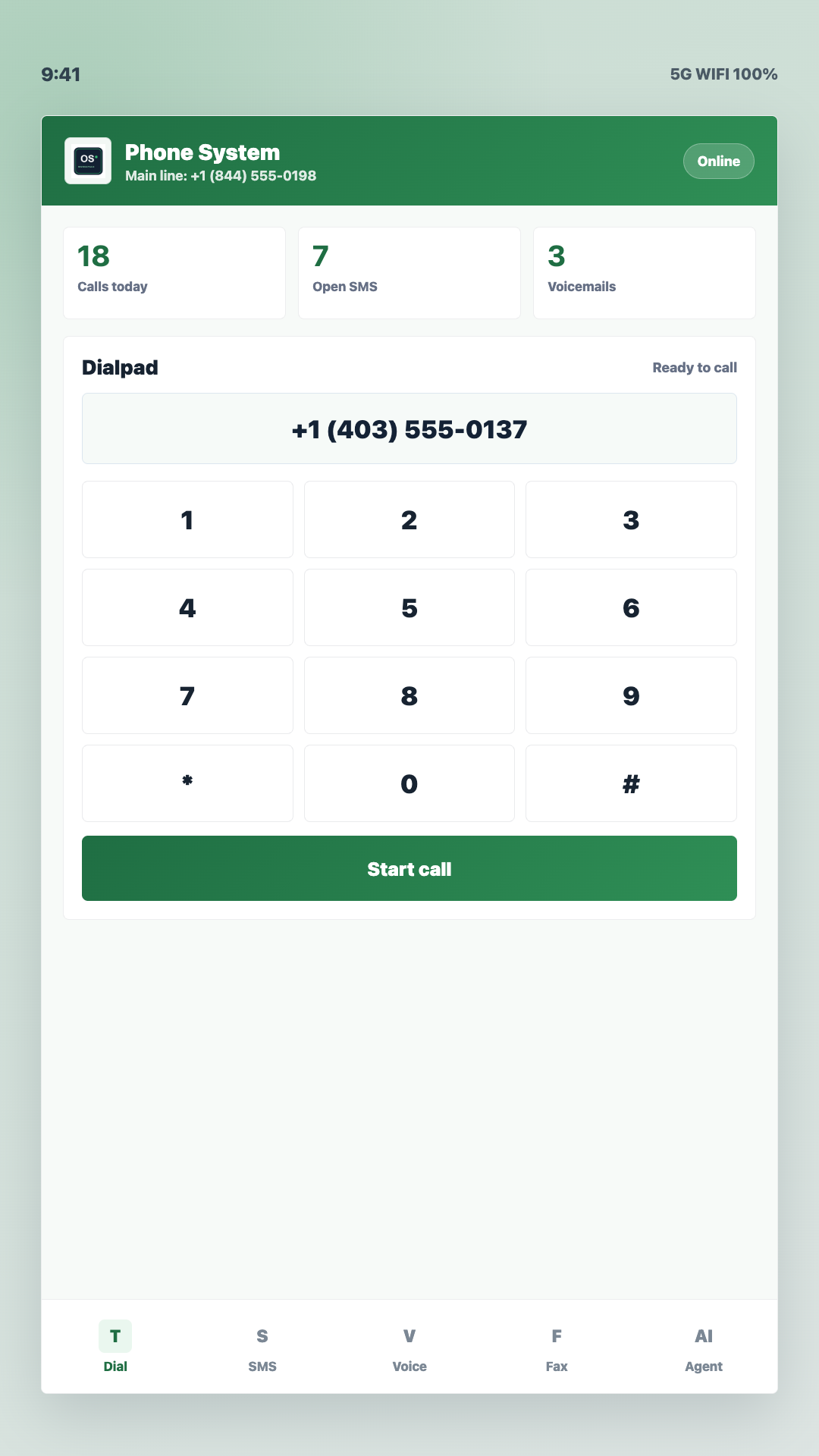
From your first call to the next follow-up, see the tools that keep business conversations together. Take a guided look through five real screens from the OfficeSpaces Phone Android app.
Screenshot demo · sample dataThis is a product preview, not a live account. Selecting a screen does not place calls, send messages or change settings.
Choose a screen
SCREEN 01 / 05
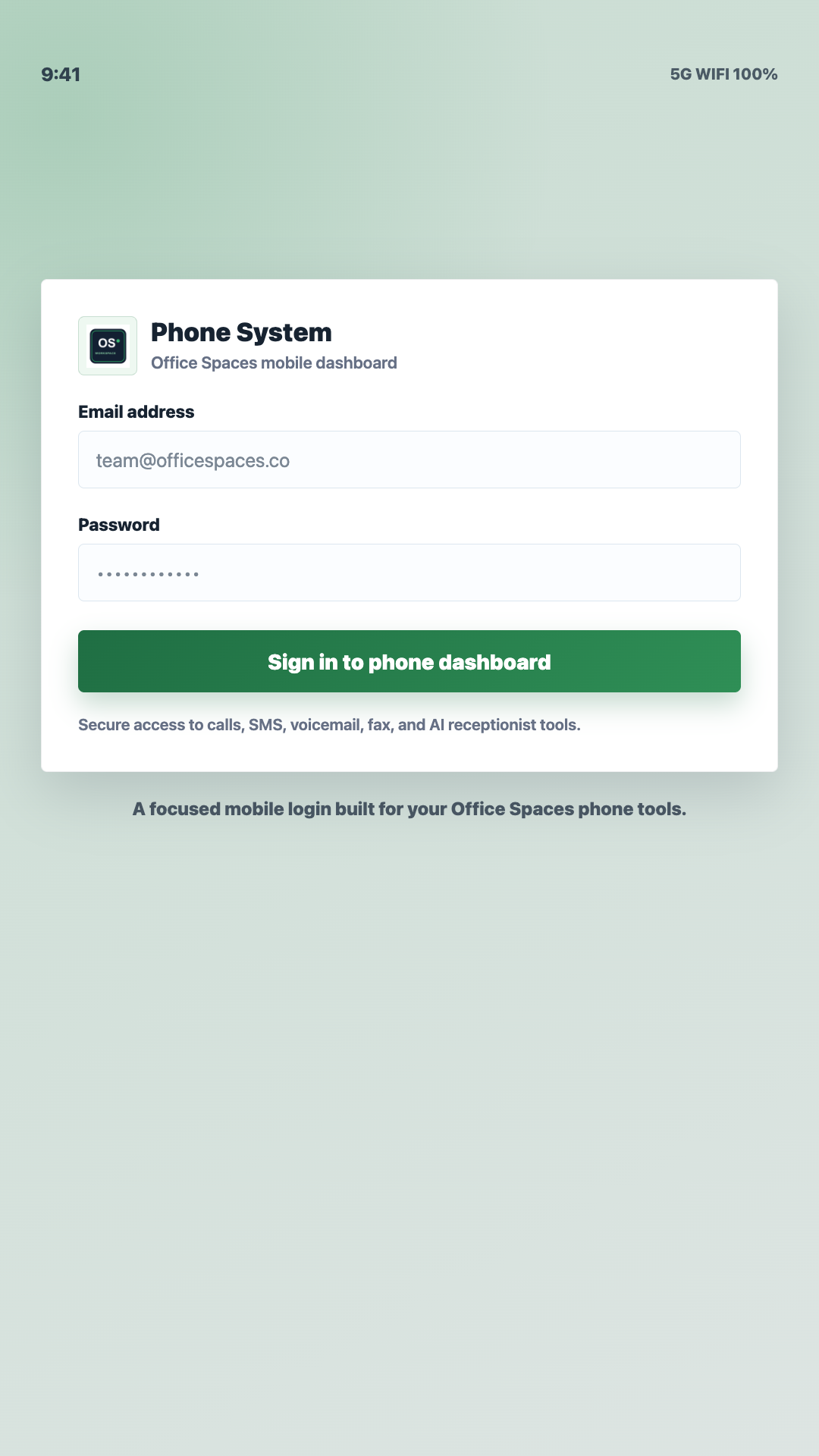
Sign in
Start with your business account. This screen shows the sign-in entry to the OfficeSpaces Phone app.
The screenshot could not load. You can still read the screen description or try the full-size image below.
View full-size screenshot (new tab)Product interface shown for illustration. Available features depend on your account and package.
Select a screen above, or use the arrow keys while a screen button is focused.